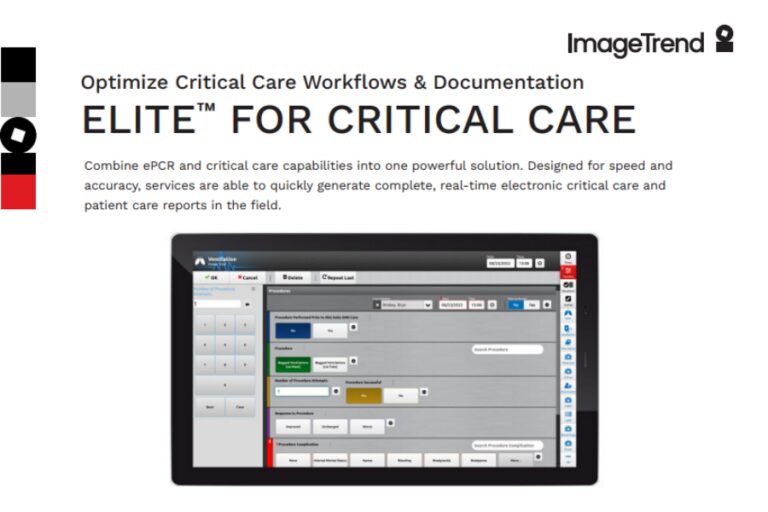
Combine ePCR and critical care capabilities into one powerful solution.
Designed for speed and accuracy, services are able to quickly generate complete, real-time electronic critical care and patient care reports in the field.
Truly Connect Health Information
Keep it simple: Designed for ease of use, speed, and accuracy.
Specialized transport fields: Specialized fields for air, ground, interfacility, or scene transports.
Critical care specific: Collect the data you need most, when you need it.
Be efficient: Import data collected on your monitor quickly and easily.
Quick select options: Dynamic Power Tools™, such as the fishbone diagram, and other data entry shortcuts speed up documentation and help minimize errors.
Pre-populate data: Pre-populate run reports with CAD data.
Integrations
CAD import to save time and improve data accuracy
EKG monitors to back up your observations
Billing Bridge® and third-party billing services for revenue recovery
ImageTrend Hospital Hub™ for fast, accurate, advanced notification to the receiving ED
ImageTrend Health Information Hub™ (HIH) for connectivity to pre-hospital, hospital, clinical, and HIE records
Critical Care Specific Fields for Elite
Specialized fields for air-related and hospital-to-hospital transports
Neonatal and high-risk OB data collection fields
Timeline™ view for a patient-centric look at care and vitals over time
En route blood gases and hospital labs collection
Supports mapping, GPS, and wireless connectivity
Save Time
Your patients require all of your attention. You don’t have time to focus solely on documentation – make data entry fast and easy with quick select Dynamic Power Tools™ such as the fishbone diagram, data entry shortcuts, and repeat patient information. Knowing the quality of entered data with real-time validation on scene and default selection helps minimize errors.
Report and Analyze
ImageTrend’s powerful reporting database gives you the flexibility to quickly and easily create dynamic reports. Monitor key performance indicators (KPIs), set up alerts or triggers, or integrate multiple data sources to reveal the story your data holds.